Deep Dive

See ListingGems in Action

From drag-and-drop to marketplace-ready export. Here's everything the app does and how it works.

Quick Mode

Batch Processing

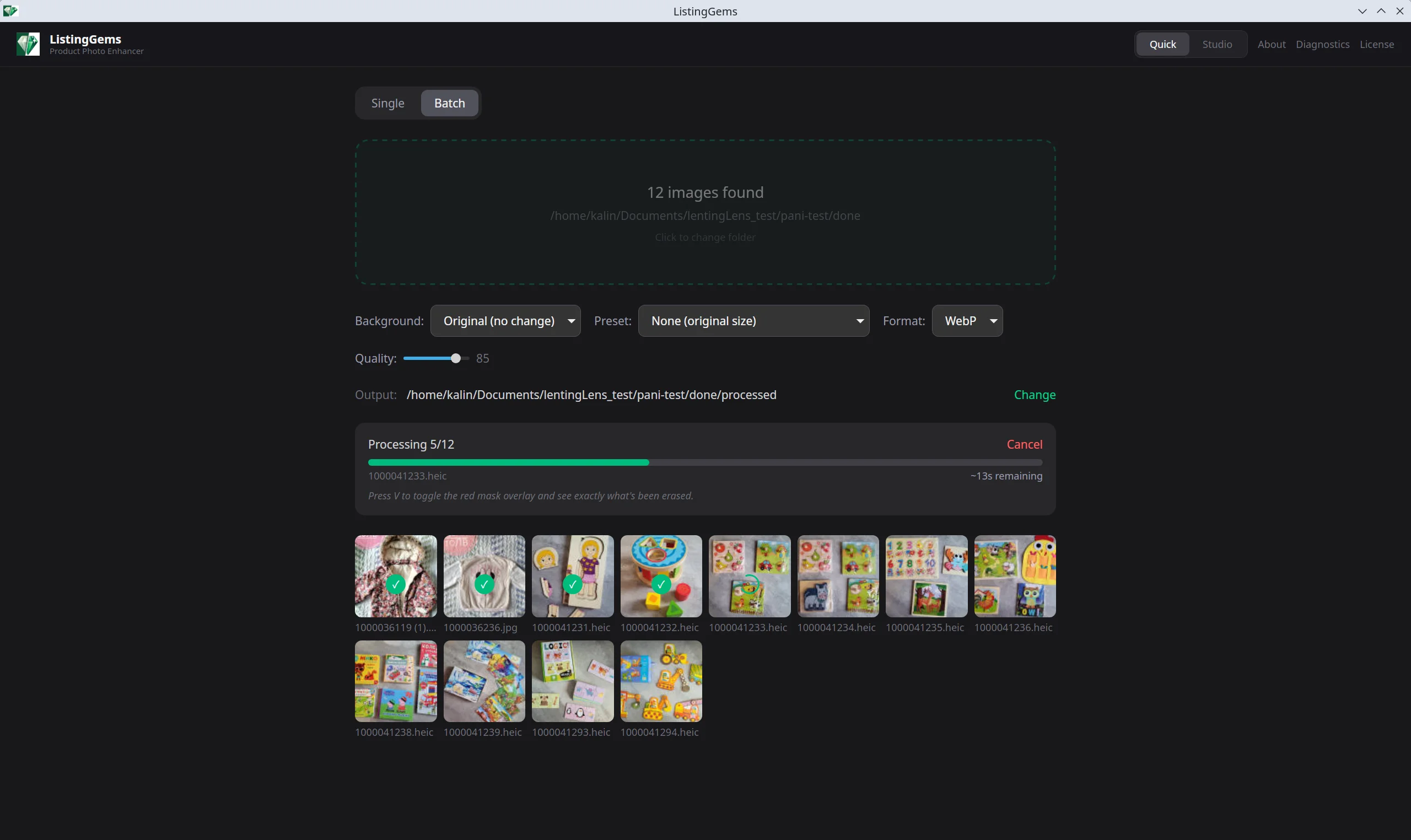
Drop an entire folder of photos. Pick your settings once — background, lighting, crop preset — and process everything in one click. Progress bar with ETA so you know exactly when it's done.

Studio Mode

Fine Control

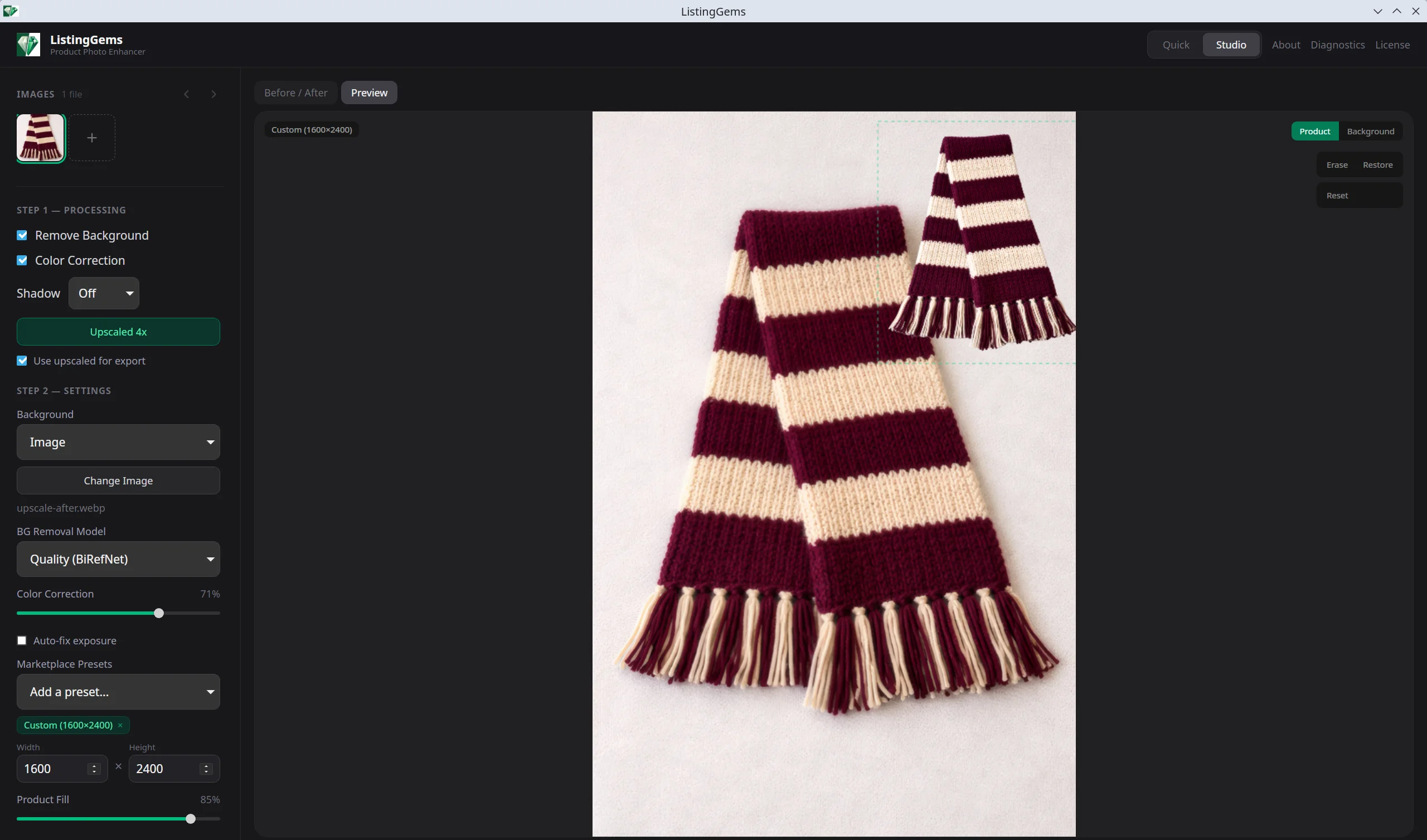
Work on individual images with a live before/after preview. Adjust background, lighting, layer position, and mask — see changes instantly. Export to one or multiple marketplace presets at once.

Studio Mode

Your product photo workspace

The Studio is where you fine-tune each image. Load your photos in the sidebar, process them with AI background removal, then adjust everything to get the perfect listing image.

  • Before/after slider to compare original and processed
  • Live preview updates as you change settings
  • Per-image settings — each photo keeps its own config
  • "Apply to All" to copy settings across your batch
AI Background Removal

Three AI models, one click

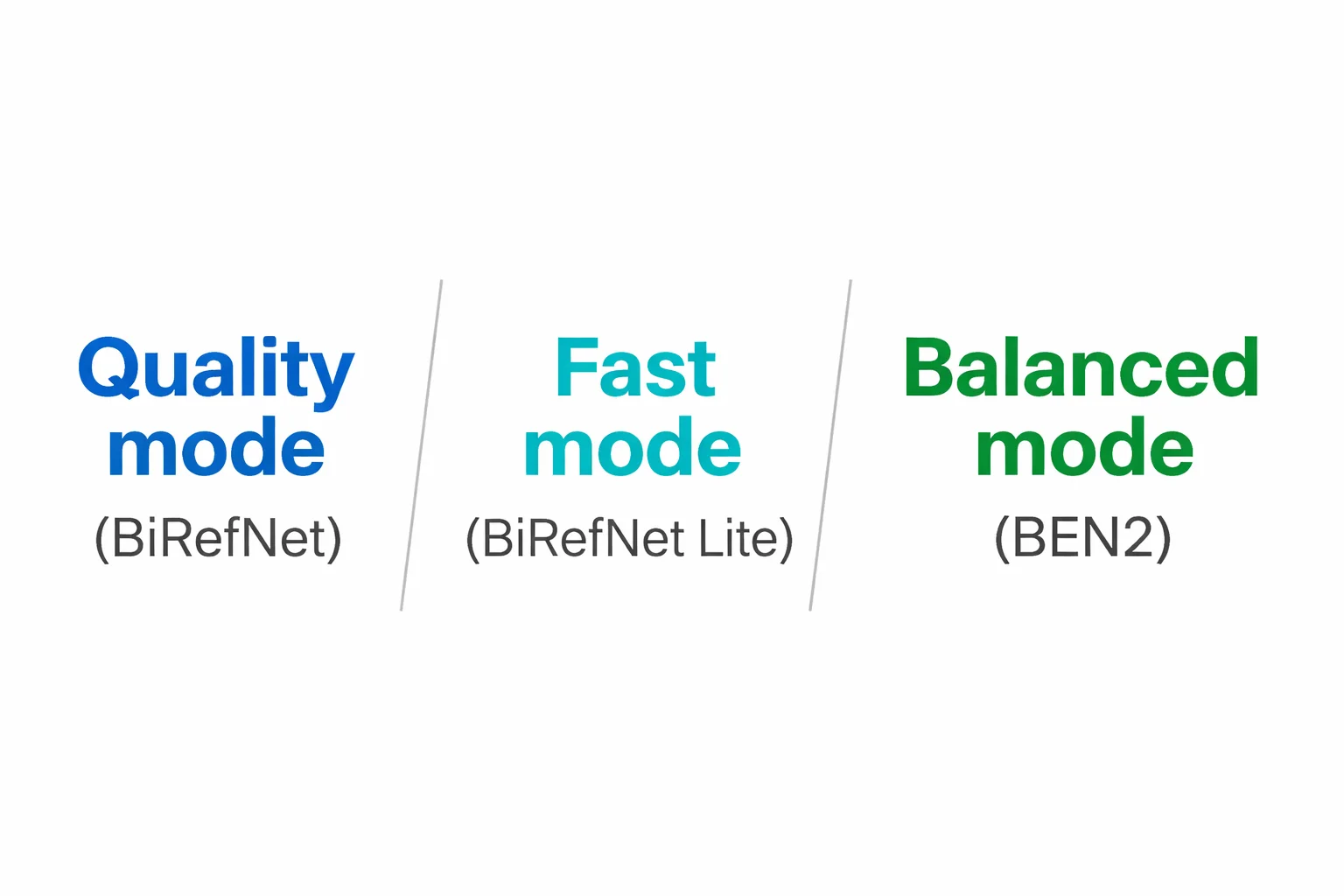
Choose the model that fits your workflow. Quality mode (BiRefNet) for complex edges like jewelry and glass. Fast mode (BiRefNet Lite) for high-volume batches. Balanced mode (BEN2) for everyday products.

  • Handles transparent, reflective, and furry edges
  • GPU-accelerated: under 1 second per image
  • CPU fallback for machines without a dedicated GPU
  • Models download once, then everything runs offline
AI background removal showing product with complex edges
Manual Touch-Up

Fix what AI misses

No AI is perfect 100% of the time. The built-in erase and restore brush lets you refine the mask by hand. Paint back areas the AI removed, or erase bits it missed.

  • Adjustable brush size for precision work
  • Erase mode removes unwanted areas from the mask
  • Restore mode brings back areas that were over-removed
  • Changes apply instantly to the live preview
Background Options

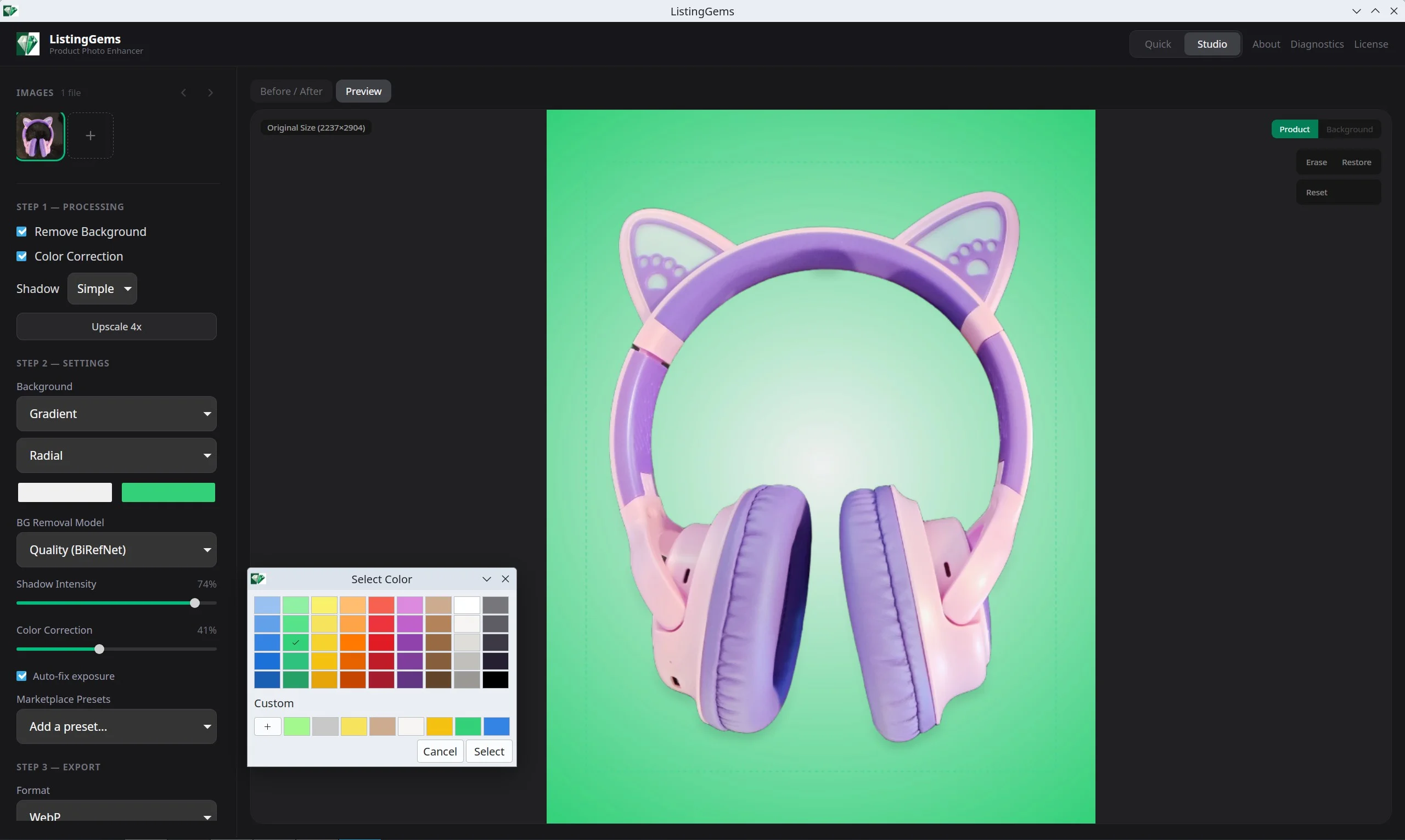
White, color, gradient, image, or transparent

Different marketplaces, different requirements. Amazon needs pure white. Etsy sellers want lifestyle backgrounds. Shopify stores want brand colors. ListingGems handles all of them.

  • Pure white for Amazon Main Image compliance
  • Custom solid colors and gradients
  • Background images with scale, rotation, and position controls
  • Built-in texture presets
  • Transparent PNG export for maximum flexibility
Same product shown on white, gradient, custom color, and image backgrounds
Marketplace Presets

Perfectly sized for every platform

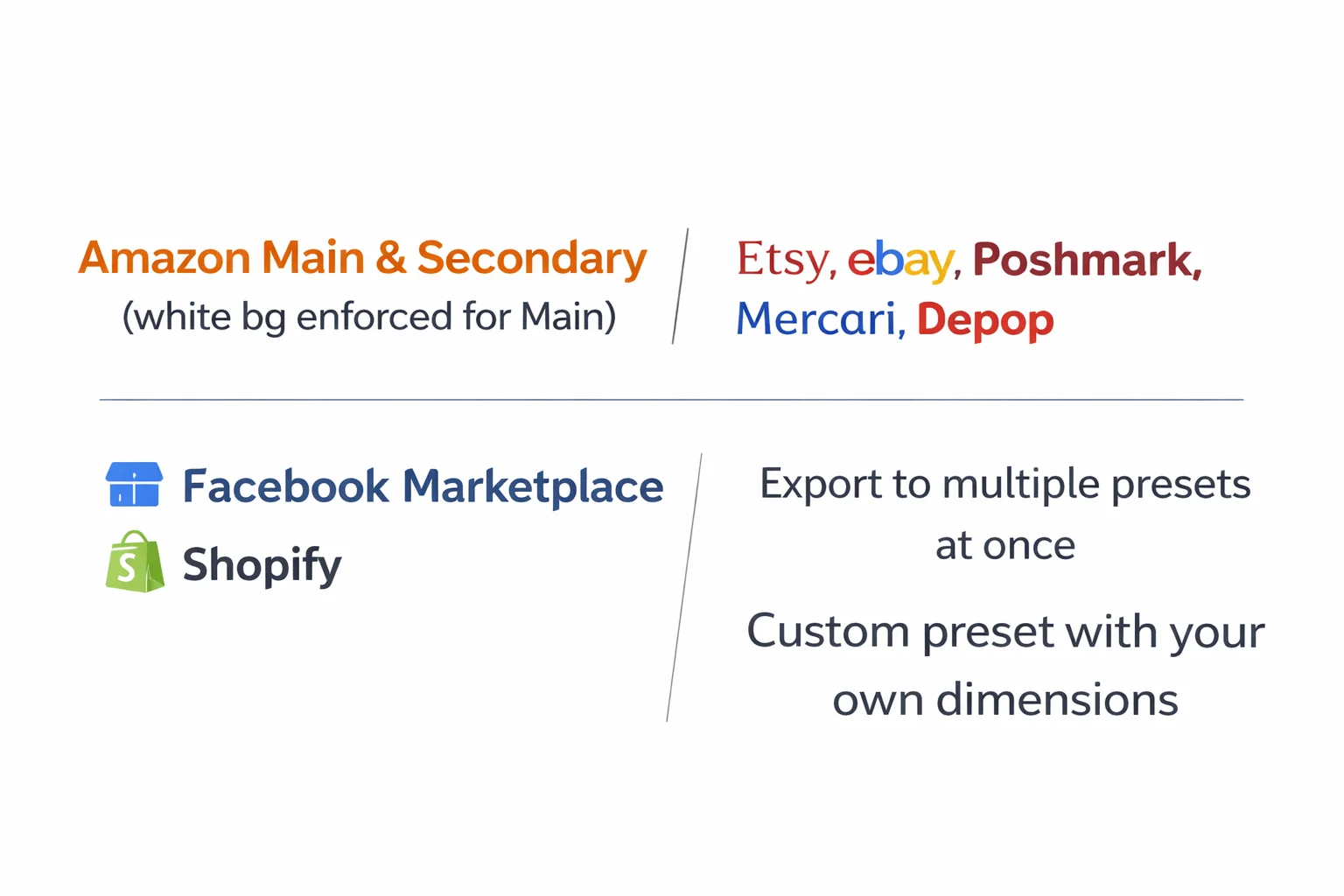
Each marketplace has specific image dimension requirements. ListingGems smart-crops and resizes your product photo to fit each platform's specs while keeping your product centered.

  • Amazon Main & Secondary (white bg enforced for Main)
  • Etsy, eBay, Poshmark, Mercari, Depop
  • Facebook Marketplace and Shopify
  • Export to multiple presets at once
  • Custom preset with your own dimensions
Marketplace presets for Amazon, Etsy, eBay, Poshmark, Shopify, and more
Layer Controls

Position your product exactly where you want it

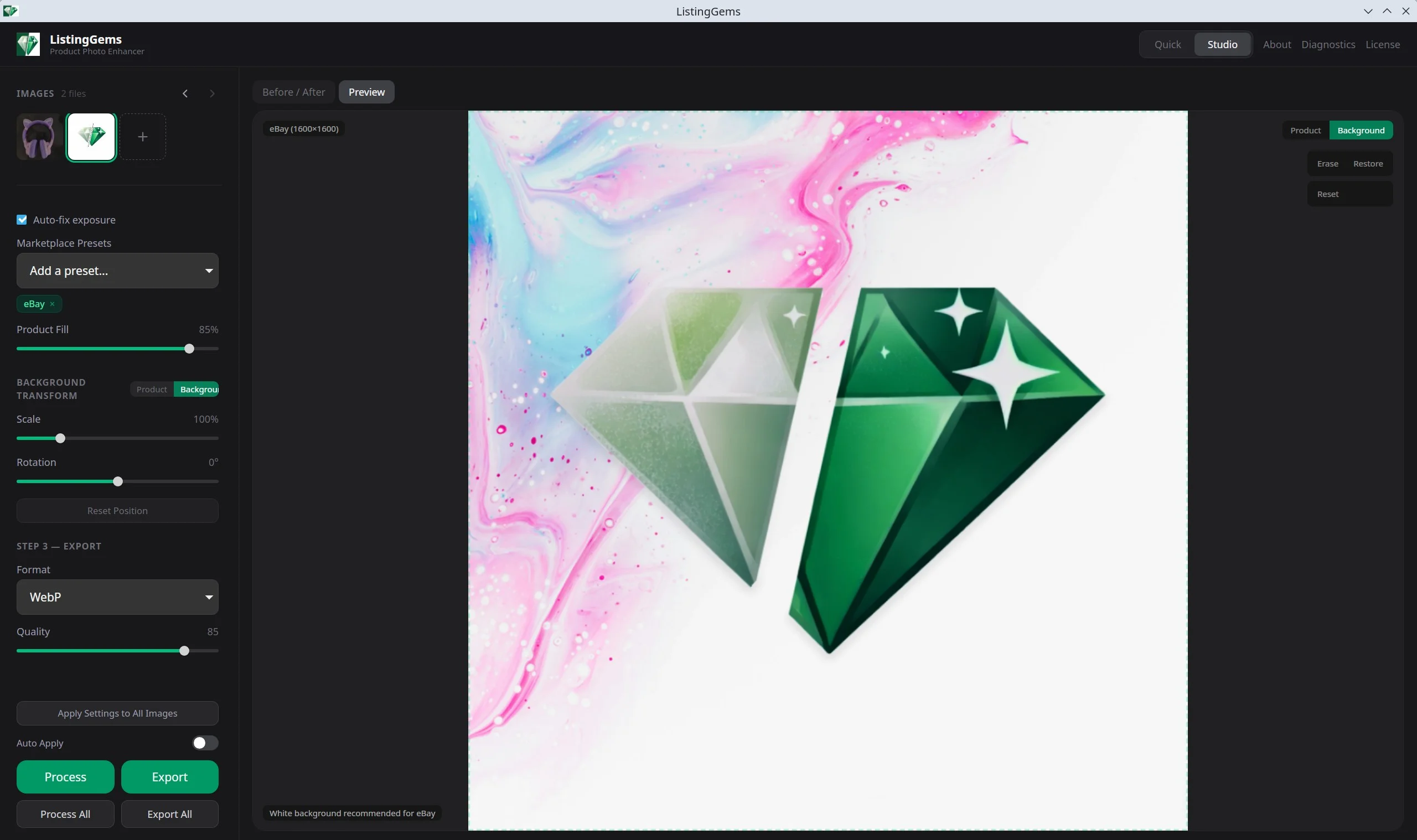
Two independent layers — product and background — each with their own scale, rotation, and position controls. Drag directly on the canvas or use the sliders for precision.

  • Drag to reposition, scroll to scale
  • Independent controls for product and background layers
  • Keyboard shortcuts: 1 for product, 2 for background layer
  • Hold Shift to interact with the other layer
Product repositioned on canvas with layer controls visible in sidebar
Lighting Correction

Fix bad lighting automatically

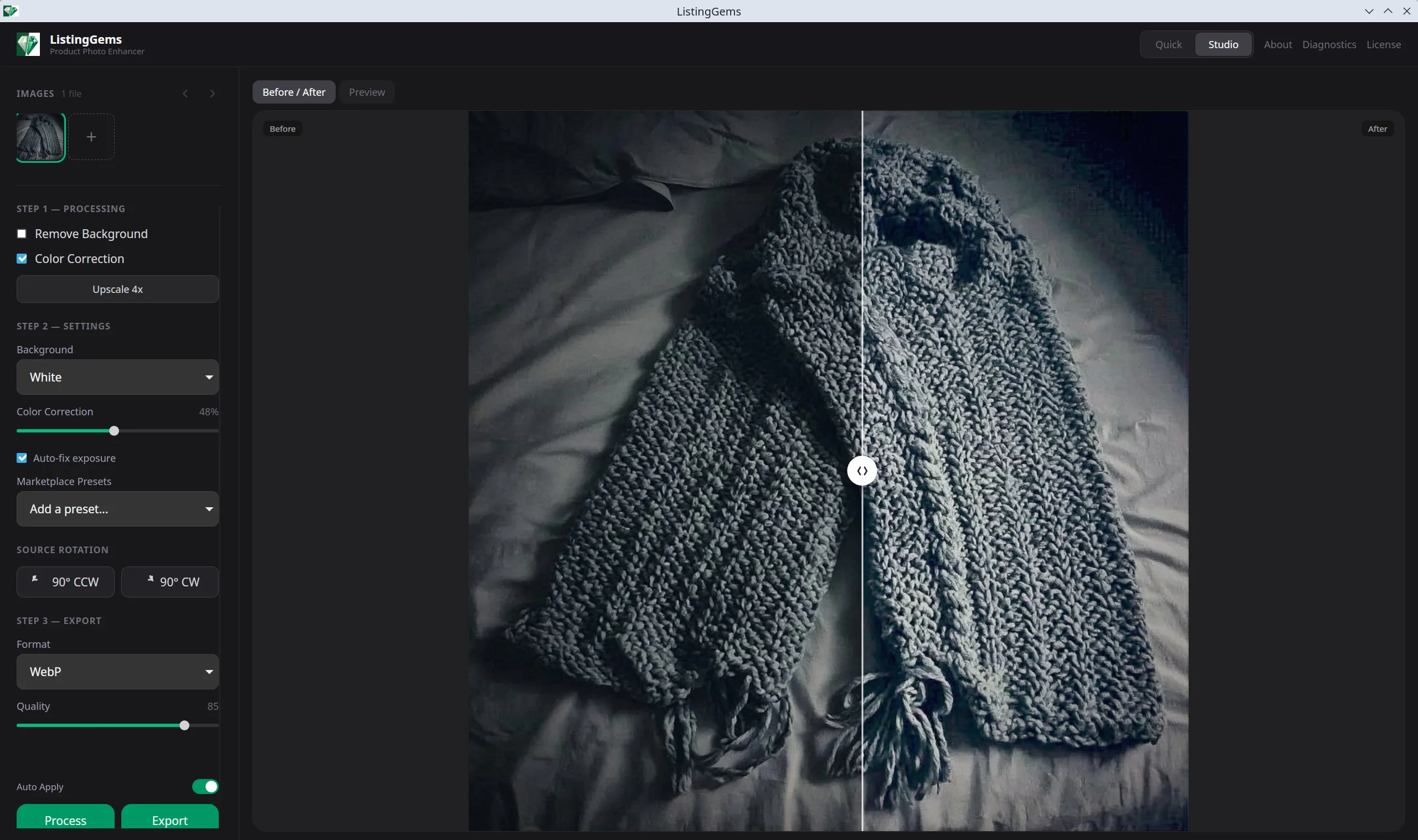
Phone photos taken under fluorescent lights, yellow bulbs, or mixed lighting look unprofessional. ListingGems corrects white balance, exposure, and contrast automatically using AI and algorithmic processing.

  • White balance correction removes color casts
  • AI exposure correction (IAT neural network)
  • Shadow lift and gentle contrast enhancement
  • Auto-exposure toggle — turn it off for photos that already look good
  • Adjustable intensity slider
Before and after showing a product with corrected lighting and white balance
Quick Mode

Process an entire folder in minutes

Drop 50 photos, pick your settings, hit Process. ListingGems runs through every image with the same pipeline — background removal, lighting, crop, export — with a progress bar and ETA.

  • Drag and drop a folder or multiple files
  • One-click processing with shared settings
  • Progress bar with time remaining estimate
  • Cancel mid-batch without losing completed images
  • Memory guard prevents crashes on large batches
Quick Mode processing a batch of images with progress bar and ETA
AI Upscaling

4x resolution with real detail

Low-resolution phone photos don't cut it for marketplace listings. The HFA2k neural network upscales your images 4x while adding genuine detail and sharpness — not just blurry interpolation.

  • HFA2k model trained specifically for photo enhancement
  • Tiled processing handles any image size without running out of memory
  • Works with or without background removal
  • GPU-accelerated for fast results
Close-up comparison showing original resolution vs 4x upscaled detail
100% Offline

Your photos never leave your machine

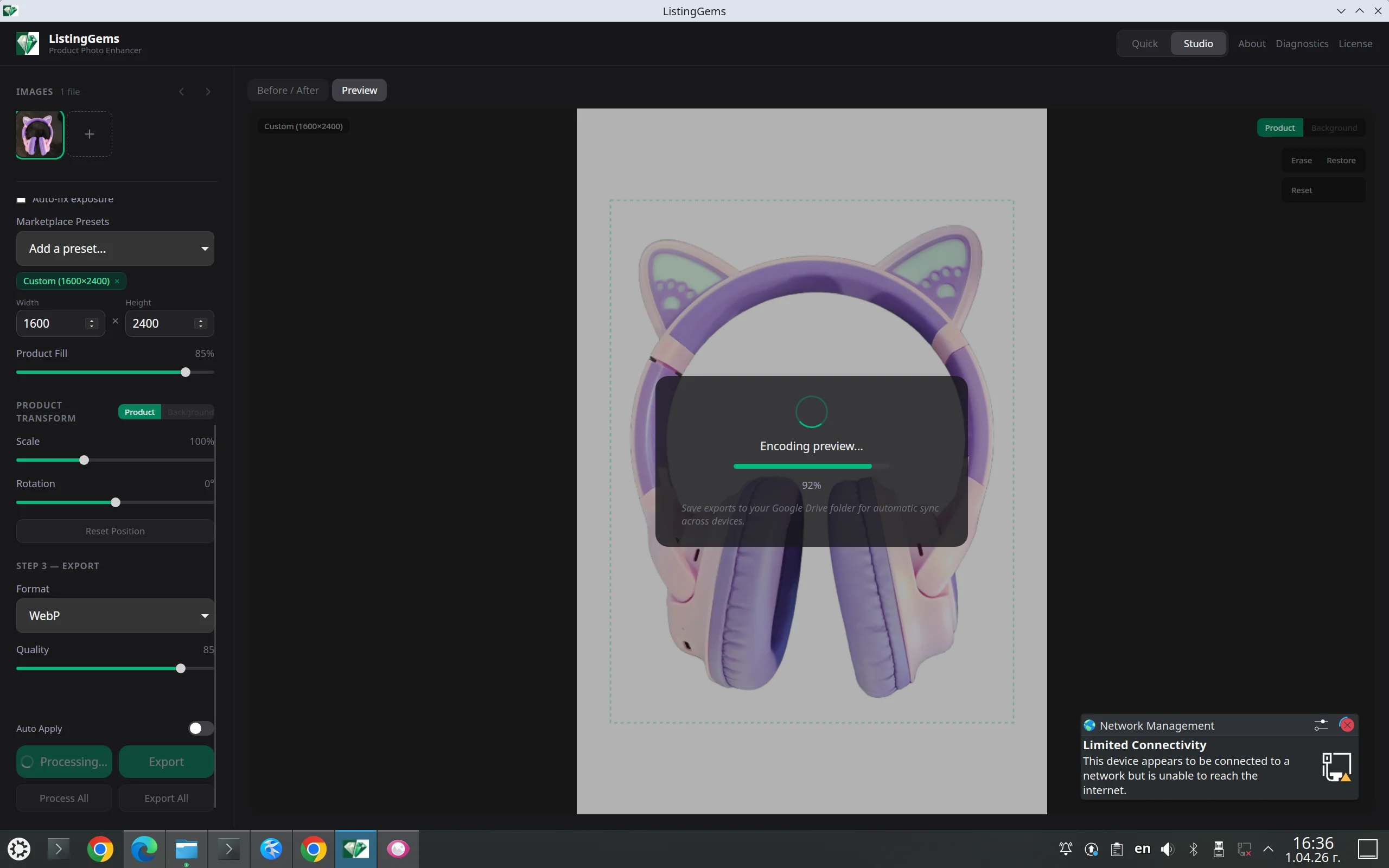
Unlike cloud-based tools that upload every image to their servers, ListingGems runs entirely on your computer. The AI models download once on first launch, then the app works without any internet connection.

  • No cloud uploads, no API calls, no tracking
  • Process product photos with trade secrets or unreleased designs
  • Works on airplane mode after initial setup
  • No per-image fees — process unlimited photos
ListingGems processing a photo while offline with no internet connection